Junsun XT812SC Firmware Restore
Last year, I installed one of those sub-$200 Android headunits in my truck. It’s basically an Android tablet with an amplifier, and some car-related peripherals like CAN bus and video inputs.
It worked well enough for 6 months, then one day I went to drive my truck and it was dead. Too dead to remote unlock. I checked the truck’s battery and it was 0V flat. Ugh.
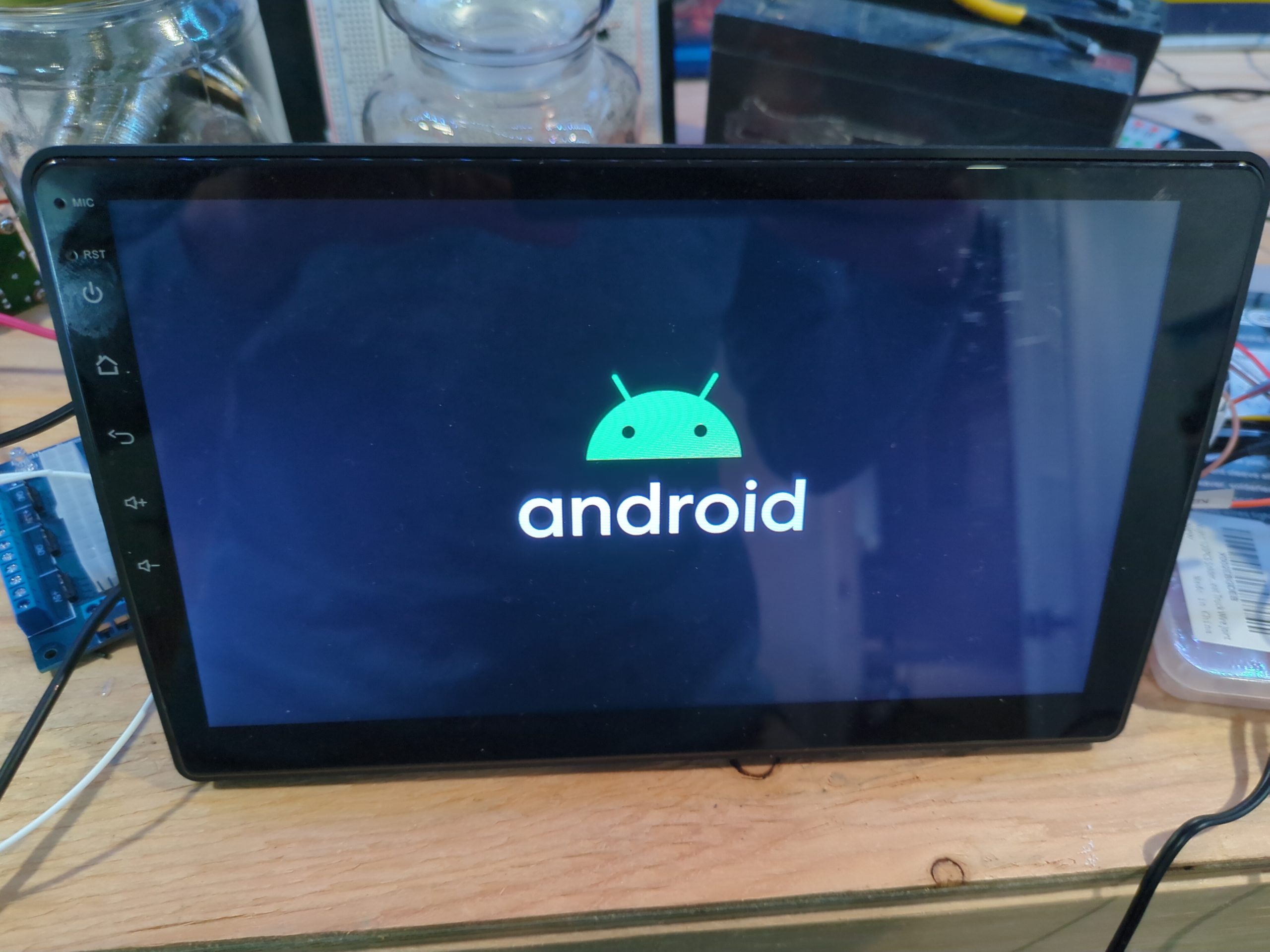
After I got it started, I noticed the radio was bootlooping, only showing the Android logo before going black again and repeating. I figured the radio must have failed somehow or got stuck on, and drained the battery over the course of the weekend.
Can I just reset it?
Since it is mostly a winter truck, I just took the radio out and put it on the bench to fix later. I tried the usual tricks to try and reset it:
- Hold reset button for N seconds (where N gets larger the more deperate you are!)
- Tap all 5 fingers on the display frantically as soon as power is applied.
- Hold Home, or Volume Down, or Volume Up AND Down….
You get the picture. Try to reset it to defaults so it loads again. But none of these made any difference and I was never greeted with Android Recovery. My guess is that the firmware got corrupted.
I’m no stranger to flashing Android ROMs. Fastboot is my friend. There are, however, many similar rebranded radios based on this chipset, the MediaTek MT8163. Because of this, flashing random ROM files from the Internet is not a great idea. If you find one not meant for your variant, best case is a soft brick, worst case is a permanent brick. (Probably not fire.)
Not finding a safe-feeling ROM, I put it on the shelf for a bit. Amazon return window long passed, the listing itself was even taken down. Eventually, I found a different user manual online with a support email address. After being ghosted, then forwarded to a few times, I finally got support from Junsun-US@outlook.com and they sent me an official ROM package.
This is where the fun begins.
› Continue readingLinked In Throttles Data Checkout

In a world of cloud platforms, the idea of a “data checkout” is a passing nod to ownership of your data. It may be law in some countries that cloud providers must offer a way to download data you stored on a platform, but it may also be a token functionality with little value.
Today I went to checkout my Linked In profile using “Download my data”, and was given two options:
- Download a full archive (24 hours to generate)
- Download archive of selected items (10 minutes to generate)
I ticked all the boxes and opted for the faster option – after all, if it doesn’t have everything I want, I’ll just download the full archive.

What a disappointment. Four tiny csv files. No connections, no message history, no uploaded images, no HTML views. In fact, none of these actually contained my work history!
| First Name | Last Name | Maiden Name | Address | Birth Date | Headline | Summary | Industry | Zip Code | Geo Location | Twitter Handles | Websites | Instant Messengers |
These are the columns in Profile.csv and you’ll notice none of them are “job title”, “company”, “start date”, “end date”, etc. It had my name, my location, and the blurb at the top of the profile.
So I went to try Option 2: download a full archive.
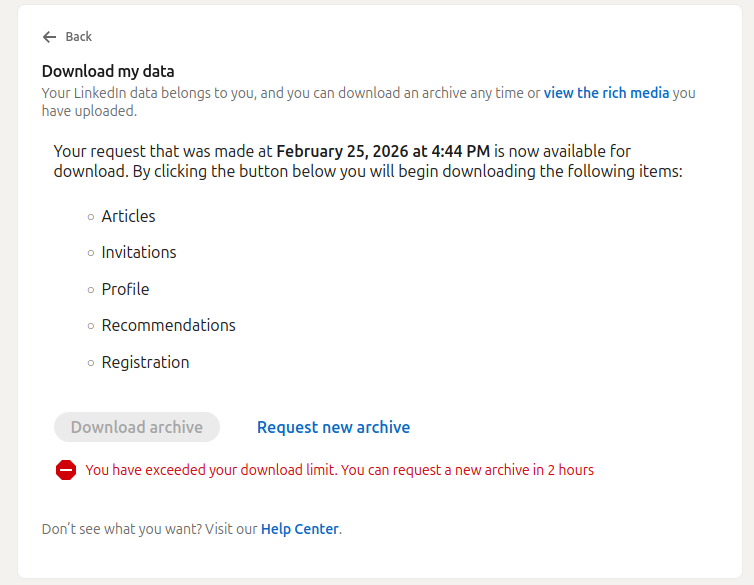
So much for “you can download an archive any time”. Imagine that, a 1.8kB file has exceeded my download limit.

This is the implementation of “if we make it hard enough, they will give up”.
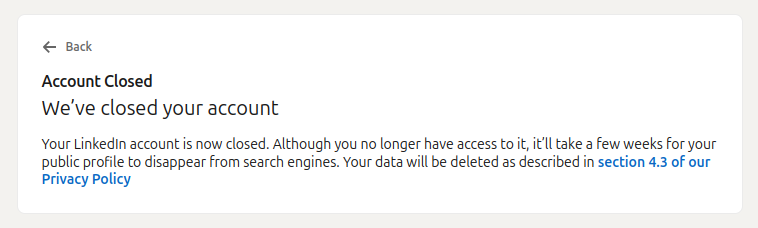
So I will wait 2 hours. I will request the full archive. I will wait 24 hours. I will download it. And I may end up just as disappointed – but at least I won’t feel bad closing the account.
<Update>
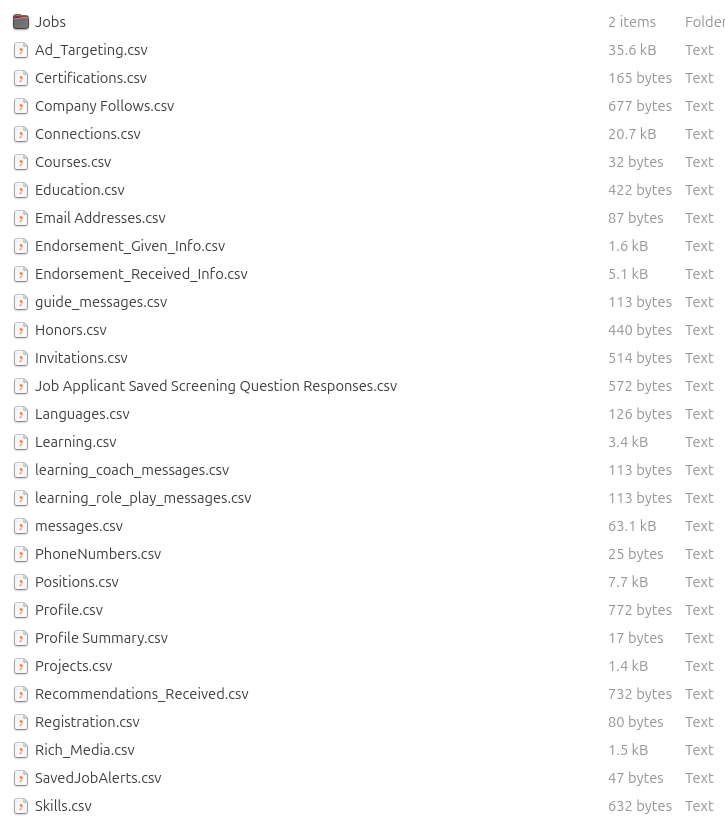
That’s a bit more like it – too bad it isn’t a rich HTML dump like with Facebook.
Problems Connecting to WireGuard VPN using Ubuntu 24 Client
I… can’t believe I have to write this post. In fact, I also can’t believe it took me to so long to get working. Generally, I wouldn’t consider myself stupid but today I have to wonder.
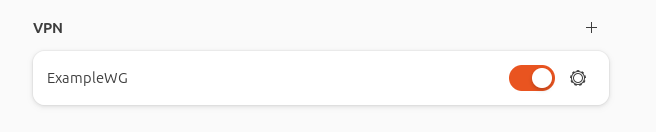
WireGuard is one of many protocols for VPN tunnels, and I’ve been using it for the past few years. That’s not to say it is the first VPN server I’ve worked with, oh no – there is a list:
- PPTP/MS CHAP on DD-WRT (ew)
- L2TP/IPsec with SoftEther/pfSense
- SSLVPN with WatchGuard
- OpenVPN with SoftEther/pfSense/OPNsense
- WireGuard with OPNsense
While not a VPN newb, the experience using WireGuard seems variable on different platforms. The Windows WireGuard client is excellent. The Android client is even better, with the QR code automatic configuration.
So why am I having problems now? Well, recently I decided that fighting M$ is no longer worth it. After many failed attempts over the years, I’ve finally converted all my servers and daily-driver PCs to run some variant of Linux (👏 slow clap).
With Ubuntu on my PC, I got to work configuring the system the way I need – which includes setting up my WireGuard VPN connection. This is where the rabbit hole began, and is why this write-up exists.
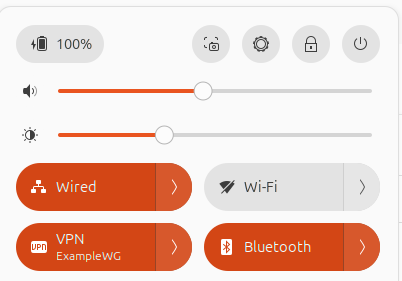
Once it was configured and added, toggling on the VPN connection seemed to work, but no traffic flowed. Also, the server did not show the connection. Why are things always harder on Linux.
The Problem
Let’s not beat around the bush, the VPN configuration section under GNOME Settings has some flaws and bugs.
- If you switch windows from the Peer settings modal, for example to copy the Public Key from your browser, the modal goes away and doesn’t save what you just entered.
- If you change the MTU or fwmark back to 0, GNOME Settings just crashes.
Working around the annoying copy-paste process for the Public Key, adding the WireGuard configuration wasn’t the problem. It was actually connecting afterwards.
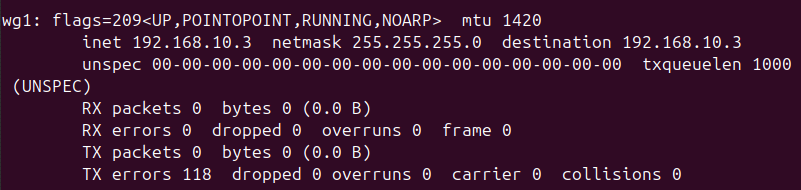
LMGTFY
You know I searched. There are tons of guides that make it seem easy. And none of them hit the nail on the head for this issue (though that last one was where I had a eureka moment).
The logical search term “can’t connect ubuntu wireguard client” did not find the answer – so I’m writing this article hoping you searched for the same thing and it solves your problem.
TL;DR
Here is the solution that worked in my case.
› Continue readingA clean install of Windows is not “clean”
We have all seemingly accepted data collection as a fact of life, and given up our right to privacy in exchange for using technology. In many cases, we don’t have a choice. Government services are increasingly online-preferred, and banks charge fees specifically for in-branch transactions and paper copies of documents.
Of course, many of us do our best to limit the information we share online and with other companies. We use aliases for online communities, we use ad blockers and click “Reject All Cookies” in our browsers. We only install programs we want and avoid spyware and bloatware. We deselect and uncheckmark, reject and “decline” our way through this ever more cumbersome and frustrating future of computing.
Right?
Turns out, spyware and tracking is no longer a war on cookies or bundled browser toolbars. It’s baked into our operating systems, applications, and while I shouldn’t be surprised, it’s even in the drivers.
Today this notification popped up on my laptop, from a program I never installed:
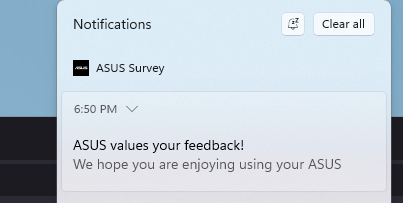
Let’s figure out why it is there.
› Continue readingFreeBSD / pfSense slow network with Hyper-V

For some reason, it took me way too long to find information about this issue – so I’m writing another article that will hopefully help some people.
IT Ticket # 1337
Problem Description: Network performance through pfSense is extremely slow with Hyper-V
Software Versions: pfSense 2.6.0 and Windows Server 2022 (August 2022 patches)
Steps Taken Already: Confirmed hardware TCP offload is disabled; confirmed hardware checksum disabled; confirmed MTUs were correct.
Solution: Read on for the solution (hint: it’s a known driver bug, and for now only a workaround exists)
› Continue readingReplacing the factory Audi Bose stereo with an AUX input or stereo
Missing the factory stereo in your Audi with Bose? Trying to make an aftermarket radio work with the harness? Here is a deep dive into the audio signals of Audi’s Bose sound system.
At the beginning of this year, I acquired a 2007 Audi A4 Quattro 2.0T (B7 body-type). This car was a project that took over 6 months – and I hope to document the complete rebuild in another post!
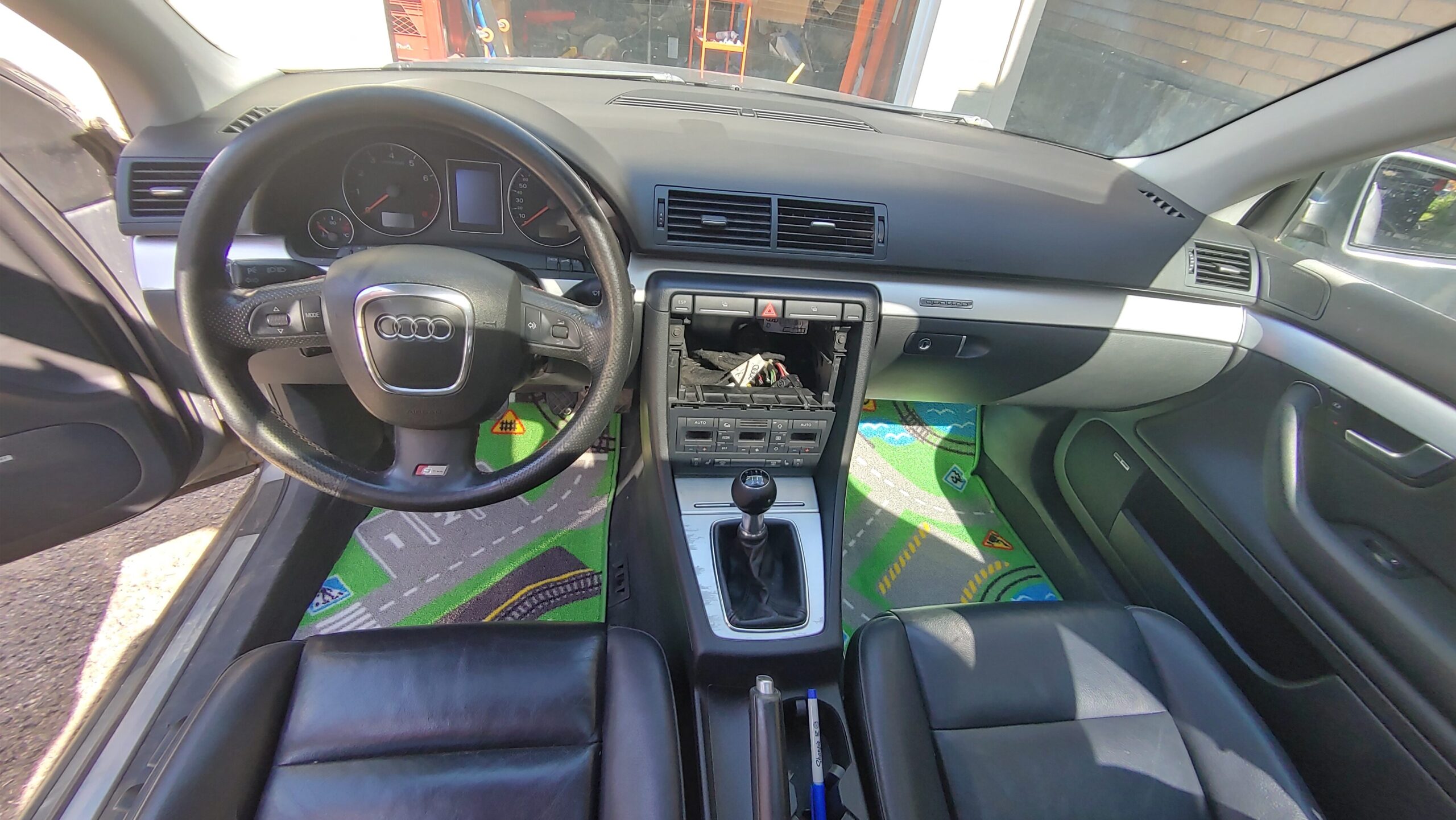
Despite the fact it didn’t run, I was actually more upset that the stereo was missing. Knowing the factory units need to be coded to the car, and that it is hard to find a solid aftermarket harness for these Bose-amplified cars, I wasn’t sure how this would be resolved…
…until today! Read on to learn how to connect an AUX cable directly to the Bose amplifier – WITHOUT modifying any of the car’s wiring!
› Continue readingPersonal Use: How do you “takeout” your Spotify data?
Like many, I’ve built dozens of playlists in Spotify and truly enjoyed how the algorithm knows me. It was almost surreal finding Discover Weekly playlists where every single song fit my musical taste du jour.
However, probably also like many, it was eventually overwhelming to hear thousands of new songs a year – to the point where I could no longer remember when I first heard or song, or whether it was a remix or the original. I was happy with the static selection in my playlists, but couldn’t justify paying $10/month for what amounts to a CDN and .m3u host…
Subscription services are often inherently designed around user retention. How do you export your Spotify data?
- You can copy-paste from the desktop client to get a list of Spotify URLs – not useful without a subscription.
- You can pay for questionable “Spotify to MP3” utilities online.
- You keep paying.
I won’t get into DMCA, DRM, fair use, or other concepts here. Instead, let’s take a look at a cool script…

How long is 4 years?
Too long to not post anything.
In as few words as possible, let us agree that people accomplish a lot in one year. Simply think back to what you did in 2021, then 2020, then 2019, then 2018… Realize that you have completed dozens of projects, started many dozens more, interacted with countless other people, learned countless new things, and aside from disorganized photos you’ve saved somewhere, a lot of this exists only in your memory.

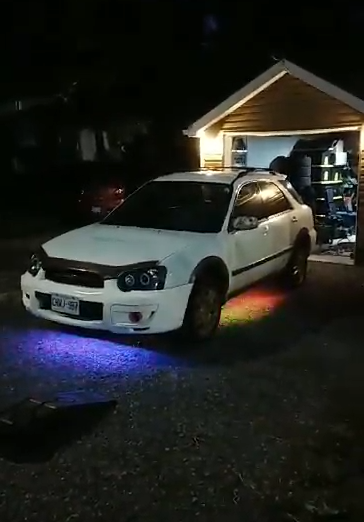
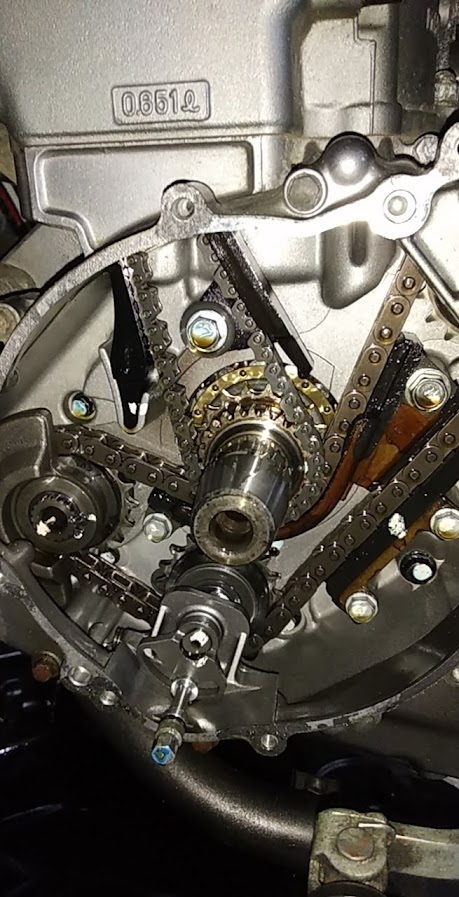

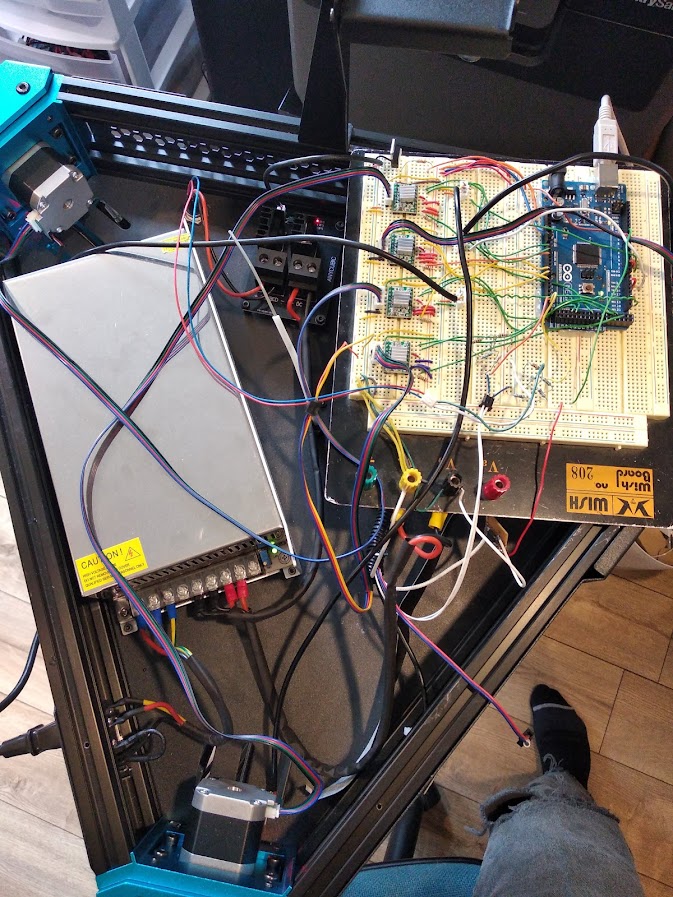
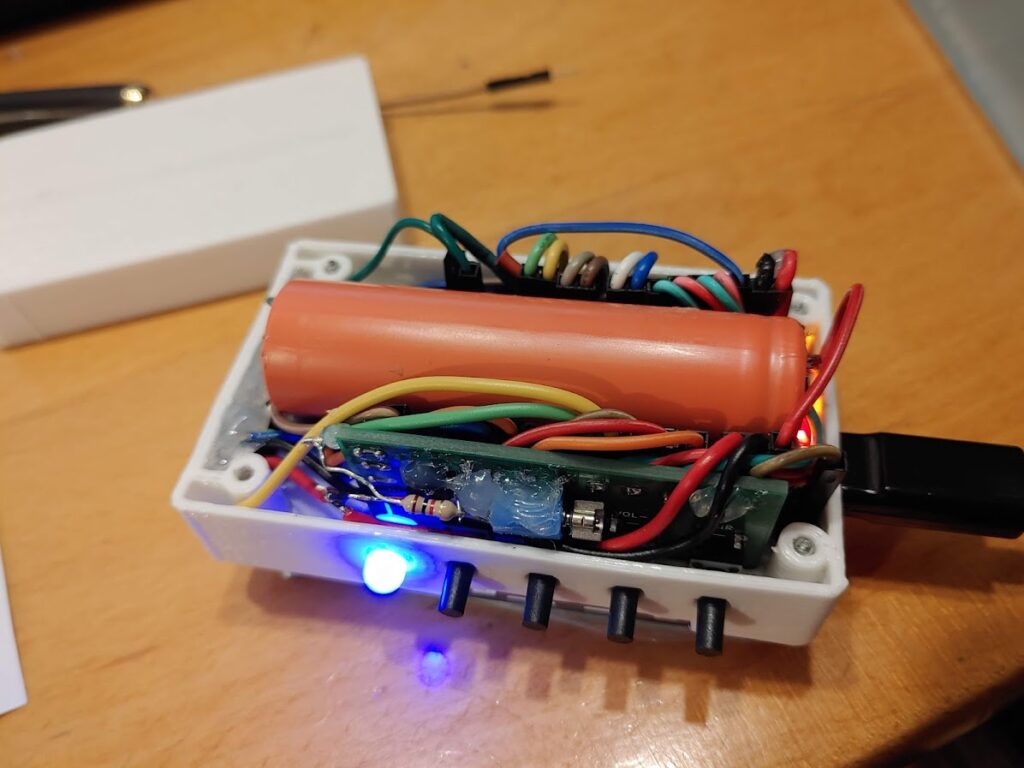

The purpose of this blog has always been to document my projects so that, when memory fails, I can remember what on Earth I’ve done over the years.
Here is a summary of the last 4.
› Continue readingTarga Bambina 2017
The Targa road rally is an exciting yearly event. It has presence in several countries, including Australia, New Zealand, Italy, and Canada. It is meant to take place on public roads, and is a great sport for spectators.

Targa Newfoundland runs the yearly event on the Island, and last year they introduced the Targa Bambina. The Bambina is a less intensive, shorter version of the full Targa. The entry fees and rules are adjusted to be more accessible, meaning you average hobbyist can get in on the excitement.
This year, I participated in the first ever Targa Newfoundland Bambina.
Cheap Solid State Drives Are, In Fact, Cheap
As of the last year or two, SSDs stopped being expensive, enthusiast-level components. The prices fell dramatically, and new players joined the game. Companies like ADATA, Patriot, and Sillicon Power undercut the prices of all major brands like Corsair, Samsung, and Intel.
How is it possible for those budget-friendly brands to sell a $70 drive that matches the speed, IOPS, and capacity of a $150 big-brand drive?


I’ve spent money on both kinds, and it seems the answer lies in changes under the hood that the average user won’t notice.
Let’s take a look at the ADATA SX900, compared with the Patriot Blast and a cameo by the ADATA SP550.