A clean install of Windows is not “clean”
We have all seemingly accepted data collection as a fact of life, and given up our right to privacy in exchange for using technology. In many cases, we don’t have a choice. Government services are increasingly online-preferred, and banks charge fees specifically for in-branch transactions and paper copies of documents.
Of course, many of us do our best to limit the information we share online and with other companies. We use aliases for online communities, we use ad blockers and click “Reject All Cookies” in our browsers. We only install programs we want and avoid spyware and bloatware. We deselect and uncheckmark, reject and “decline” our way through this ever more cumbersome and frustrating future of computing.
Right?
Turns out, spyware and tracking is no longer a war on cookies or bundled browser toolbars. It’s baked into our operating systems, applications, and while I shouldn’t be surprised, it’s even in the drivers.
Today this notification popped up on my laptop, from a program I never installed:

Let’s figure out why it is there.
This is a recent fresh install of Windows 11, using only the drivers automatically installed by Windows Update. Drivers which should only be the minimum required for the hardware to function, or is this assumption wrong?
While most computer vendors are notorious for bloatware and buggy system utilities (ex. Asus Armoury Crate, MSI Dragon Center, Acer PredatorSense), a fresh install of Windows using official install media should be a safe way of keeping this unwanted software off your computer.
What is a driver?
Before we go too far into it, what is a driver? Well, drivers are “small” pieces of software that tell the operating system how to communicate with, configure, and ultimately use the hardware in the computer. Drivers are needed for sound cards, video cards, monitors, hard drive controllers, webcams, keyboards, mice, and everything else you plug into your computer.
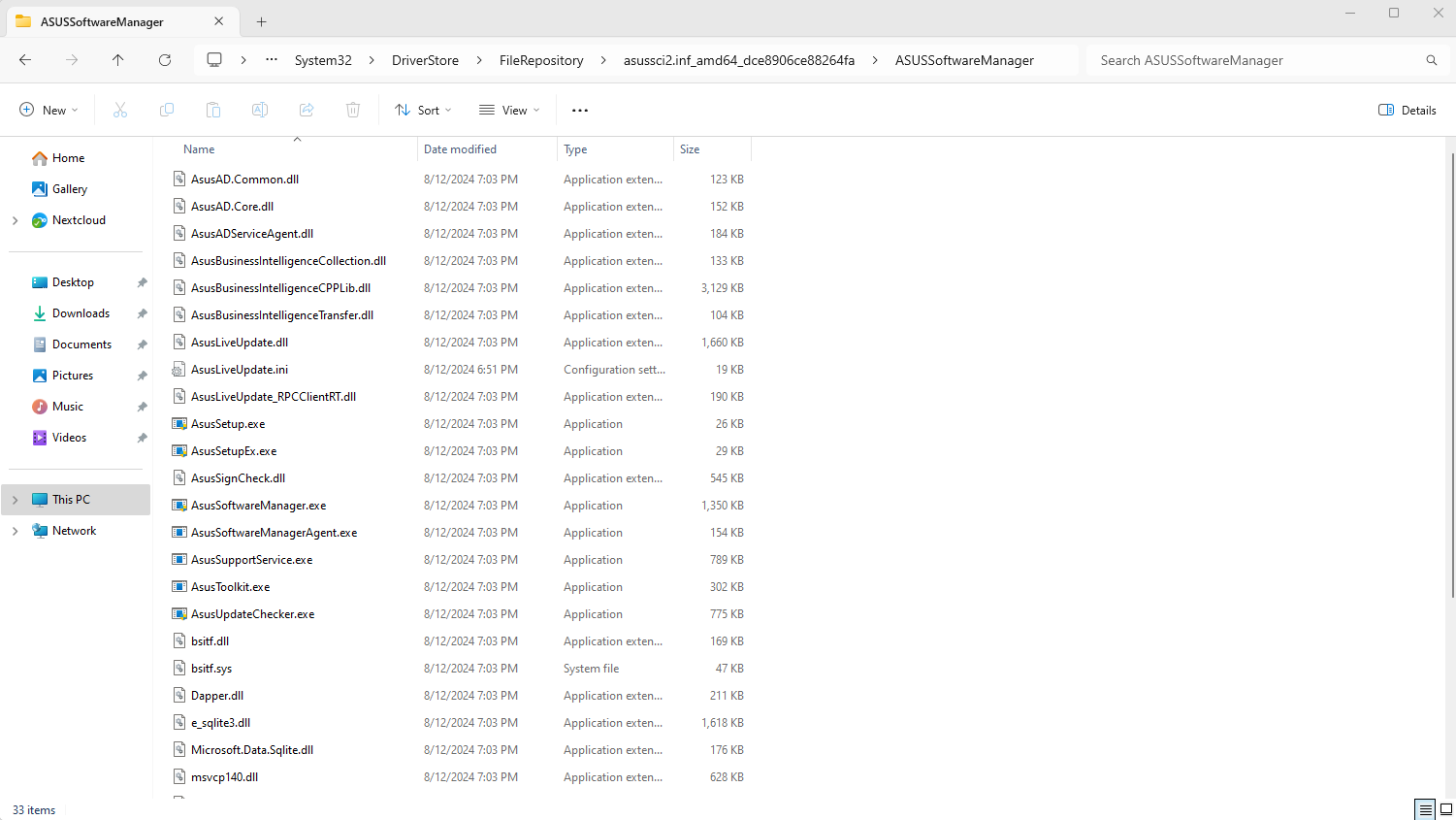
Driver software is made of up a few file types, including:
- *.inf files which provide basic information about hardware identification and device behaviour
- *.dll files which are generally executable functions to make the hardware operate
- *.exe files which are executable programs such as configuration or automatic update utilities
When I saw the ASUS Survey notification, I was confused. I had never installed ANY Asus utilities or programs on my computer. When I looked in Add/Remove Programs, there is nothing “Asus*” at all. So – where did it come from?
“Identify yourself, program”
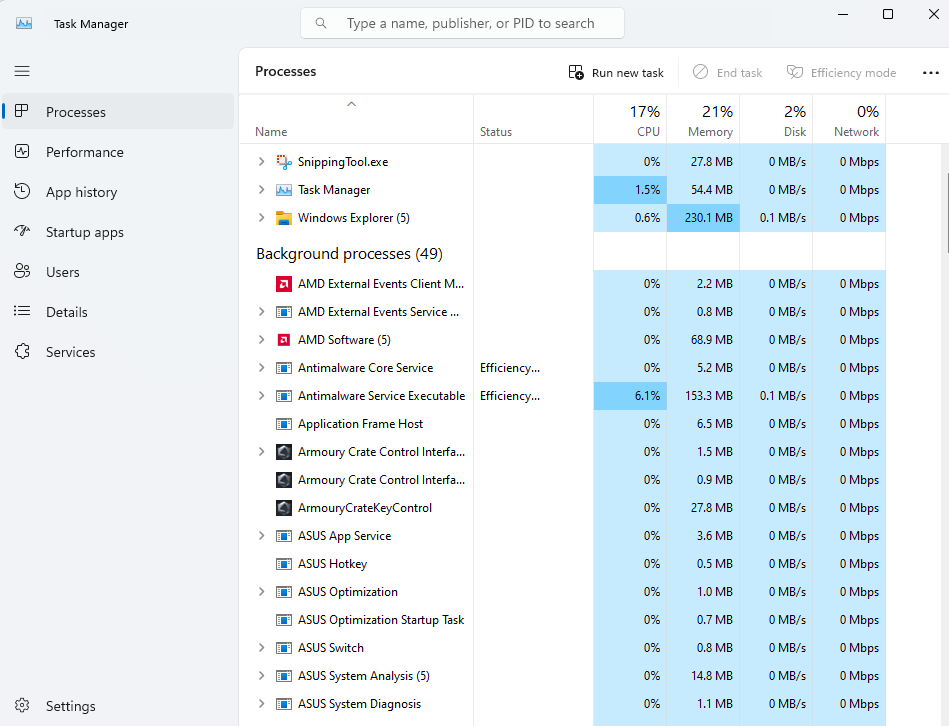
Digging into the Task Manager, it wasn’t hard to find a bunch of Asus services running happily in the background, mostly as the SYSTEM user. In fact, even our dreaded Armoury Crate was in the list. Whyyyyyyyyyyyy.
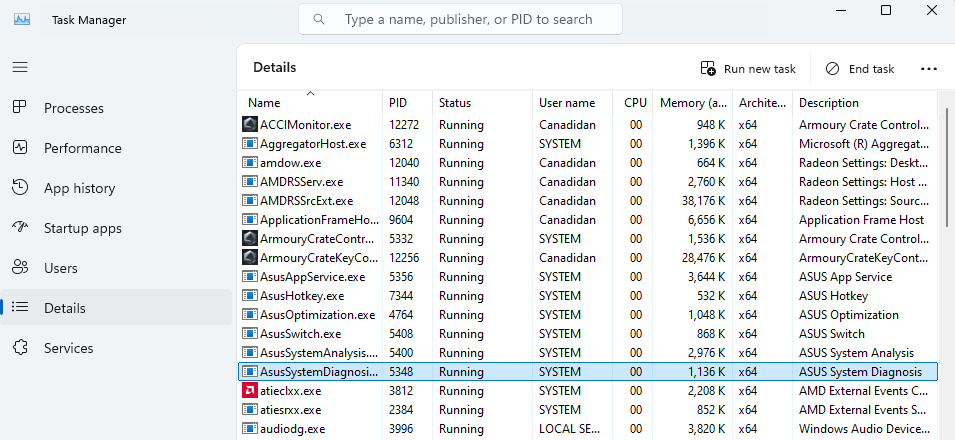
Drivers are bundles of SYSTEM executed programs
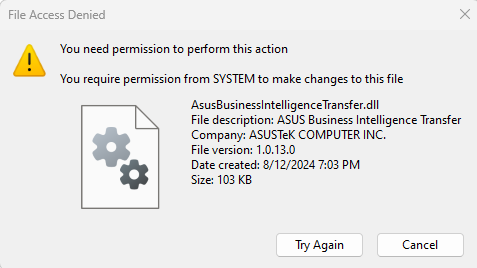
The drivers relating to a handful of laptop peripherals (keyboard hotkeys, RGB keyboard lighting, and even power management) are all released by Asus and come bundled with analytics or “business intelligence” services that run 24/7 collecting information about your computer, how it is used, and hopefully no more than that. After all, if they aren’t doing those tasks, why are they even there? And why do they all need to run with SYSTEM privileges?
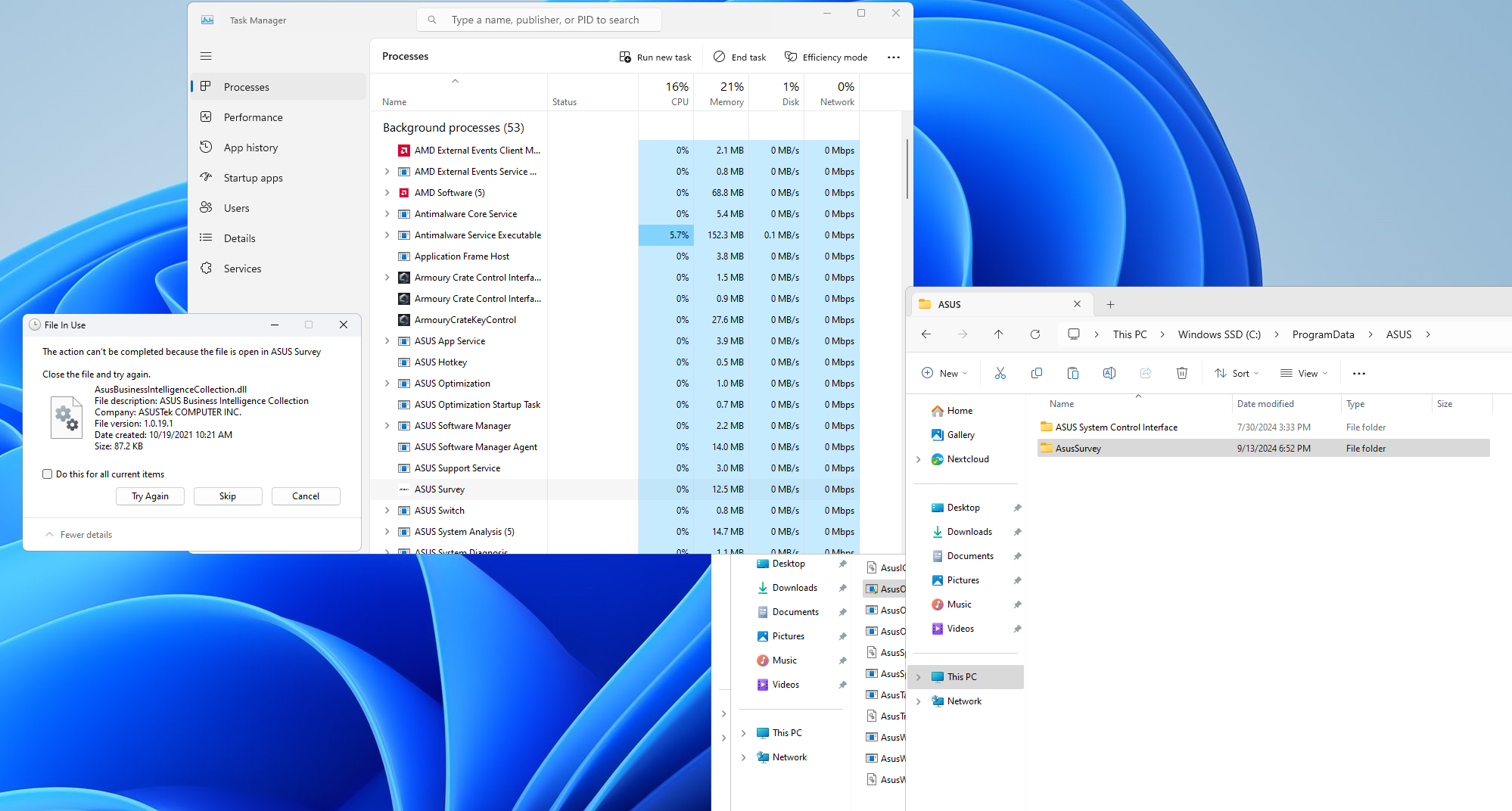
Deleting the AsusSurvey directory, of course, involved terminating the offending program first. While that’s one notification I hope never to see again, I don’t imagine this did anything to quell the data analytics performed by all the other driver utilities.
Why is it like this
If you speak to any career software developer, you’re likely to hear how much these analytics help them find bugs and plan which features to develop next or where more energy should be directed to make the program better. Well, that’s the utopian view of it anyway.
In a right-to-privacy world, I have a number of concerns about the inclusion of data miners in core software drivers:
- Drivers don’t prompt users to accept EULAs, so I never agreed to data collection from these drivers.
- EULAs rarely offer a “reject license” option that provides function without data mining.
- Windows Update installs the drivers automatically, and Windows Update is not disabled out of the box (thanks to the EULA you accept during install, informing you as much.)
I know the answer is “use your buying power to influence how companies behave”. My buying power has no influence. I might encourage the purchase of a dozen Windows licenses a year for my clients.
What can we do?
We need more companies and governments to decide, “you know what, let’s give open software like Linux a shot. Let’s see if we can save on licensing and build a more reliable, flexible, and secure infrastructure. One we own and trust, knowing no 3rd parties are installing software without our knowledge or monitoring our use of it”.
Maybe someday, profit will be put after integrity.
Until then, we don’t own our devices.
(Editor Update: I switched to Linux 6 months ago – and you should too!)