Linked In Throttles Data Checkout

In a world of cloud platforms, the idea of a “data checkout” is a passing nod to ownership of your data. It may be law in some countries that cloud providers must offer a way to download data you stored on a platform, but it may also be a token functionality with little value.
Today I went to checkout my Linked In profile using “Download my data”, and was given two options:
- Download a full archive (24 hours to generate)
- Download archive of selected items (10 minutes to generate)
I ticked all the boxes and opted for the faster option – after all, if it doesn’t have everything I want, I’ll just download the full archive.

What a disappointment. Four tiny csv files. No connections, no message history, no uploaded images, no HTML views. In fact, none of these actually contained my work history!
| First Name | Last Name | Maiden Name | Address | Birth Date | Headline | Summary | Industry | Zip Code | Geo Location | Twitter Handles | Websites | Instant Messengers |
These are the columns in Profile.csv and you’ll notice none of them are “job title”, “company”, “start date”, “end date”, etc. It had my name, my location, and the blurb at the top of the profile.
So I went to try Option 2: download a full archive.
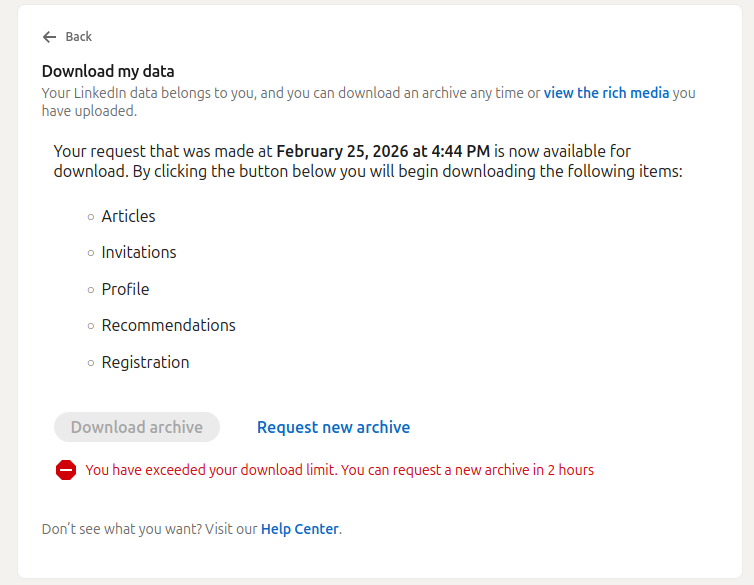
So much for “you can download an archive any time”. Imagine that, a 1.8kB file has exceeded my download limit.

This is the implementation of “if we make it hard enough, they will give up”.
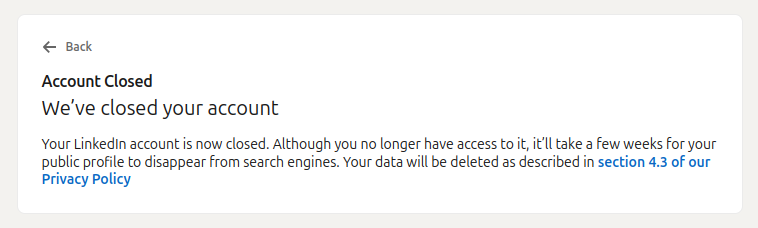
So I will wait 2 hours. I will request the full archive. I will wait 24 hours. I will download it. And I may end up just as disappointed – but at least I won’t feel bad closing the account.
<Update>
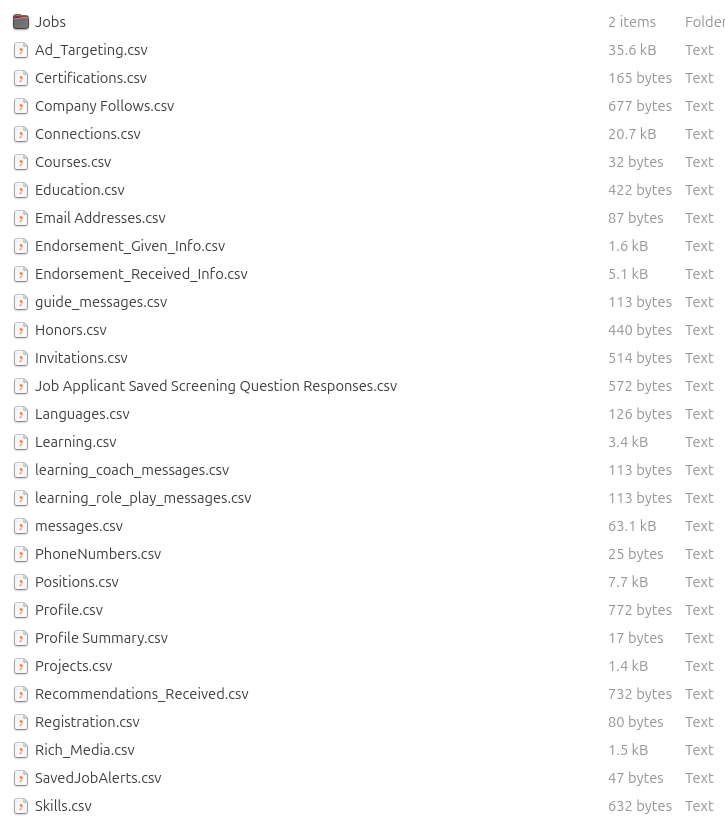
That’s a bit more like it – too bad it isn’t a rich HTML dump like with Facebook.