flashing
Junsun XT812SC Firmware Restore
Last year, I installed one of those sub-$200 Android headunits in my truck. It’s basically an Android tablet with an amplifier, and some car-related peripherals like CAN bus and video inputs.
It worked well enough for 6 months, then one day I went to drive my truck and it was dead. Too dead to remote unlock. I checked the truck’s battery and it was 0V flat. Ugh.
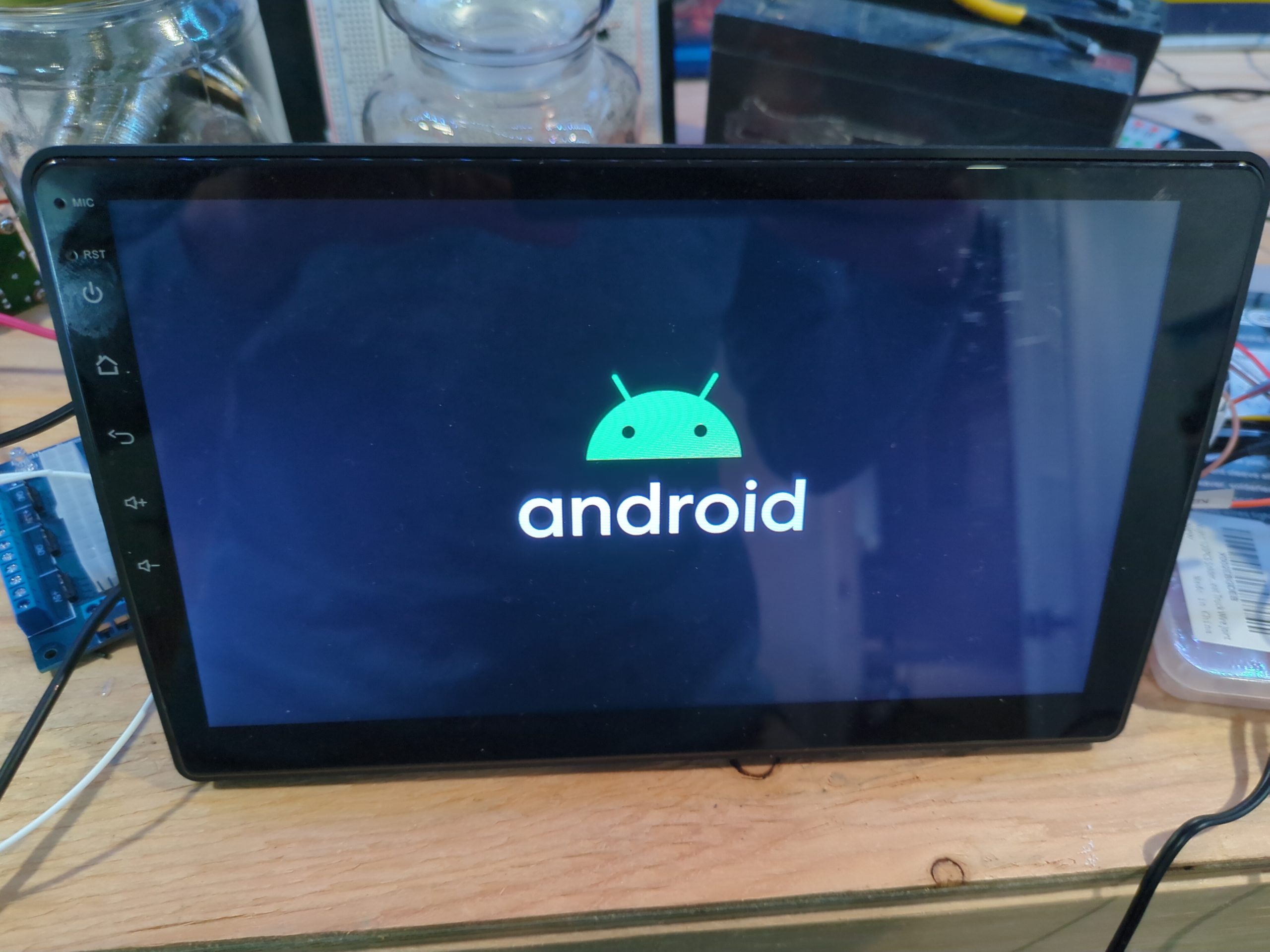
After I got it started, I noticed the radio was bootlooping, only showing the Android logo before going black again and repeating. I figured the radio must have failed somehow or got stuck on, and drained the battery over the course of the weekend.
Can I just reset it?
Since it is mostly a winter truck, I just took the radio out and put it on the bench to fix later. I tried the usual tricks to try and reset it:
- Hold reset button for N seconds (where N gets larger the more deperate you are!)
- Tap all 5 fingers on the display frantically as soon as power is applied.
- Hold Home, or Volume Down, or Volume Up AND Down….
You get the picture. Try to reset it to defaults so it loads again. But none of these made any difference and I was never greeted with Android Recovery. My guess is that the firmware got corrupted.
I’m no stranger to flashing Android ROMs. Fastboot is my friend. There are, however, many similar rebranded radios based on this chipset, the MediaTek MT8163. Because of this, flashing random ROM files from the Internet is not a great idea. If you find one not meant for your variant, best case is a soft brick, worst case is a permanent brick. (Probably not fire.)
Not finding a safe-feeling ROM, I put it on the shelf for a bit. Amazon return window long passed, the listing itself was even taken down. Eventually, I found a different user manual online with a support email address. After being ghosted, then forwarded to a few times, I finally got support from Junsun-US@outlook.com and they sent me an official ROM package.
This is where the fun begins.
› Continue reading